
Roles and permissions
Updated Aug 9, 2026
Every board has one owner, marked with a crown. Admins can do everything in the board. Below that, permissions are yours to shape.
What can be permissioned
Content permissions: sending messages, attaching media, creating polls, adding reactions, pinning, creating invites, and customizing a board profile. Moderation powers: deleting messages, timing members out, kicking, banning, managing roles, and managing the board.
The three layers
- Board defaults, in board settings under Permissions, apply to everyone.
- Roles grant additional permissions to whoever holds them, and can carry a color and a hoisted group in the member list.
- Per-member overrides, in the moderation view, allow or deny a single person a single permission.
A member can do something if any layer allows it and no override denies it.
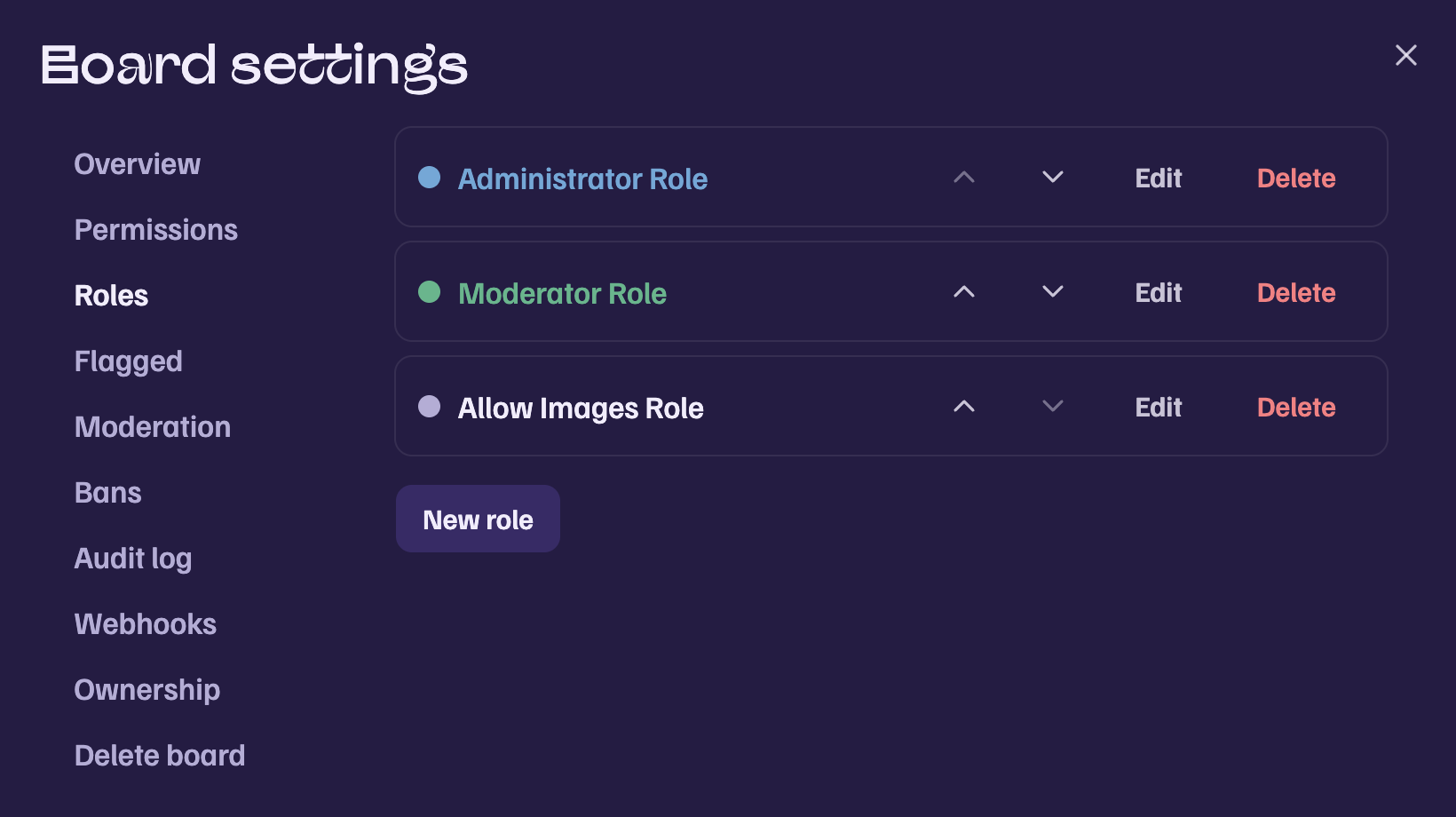
Hierarchy
Roles sit in an ordered list. Moderation powers reach only members whose highest role is strictly below yours, and you can only grant permissions you hold yourself. Admins are exempt from timeouts. The owner is exempt from everything and can transfer ownership in board settings.
Timeouts
A timeout locks a member out of writing for a chosen duration, from ten minutes to a week. They can still read.
Was this article helpful?