Your profile
Updated Aug 9, 2026
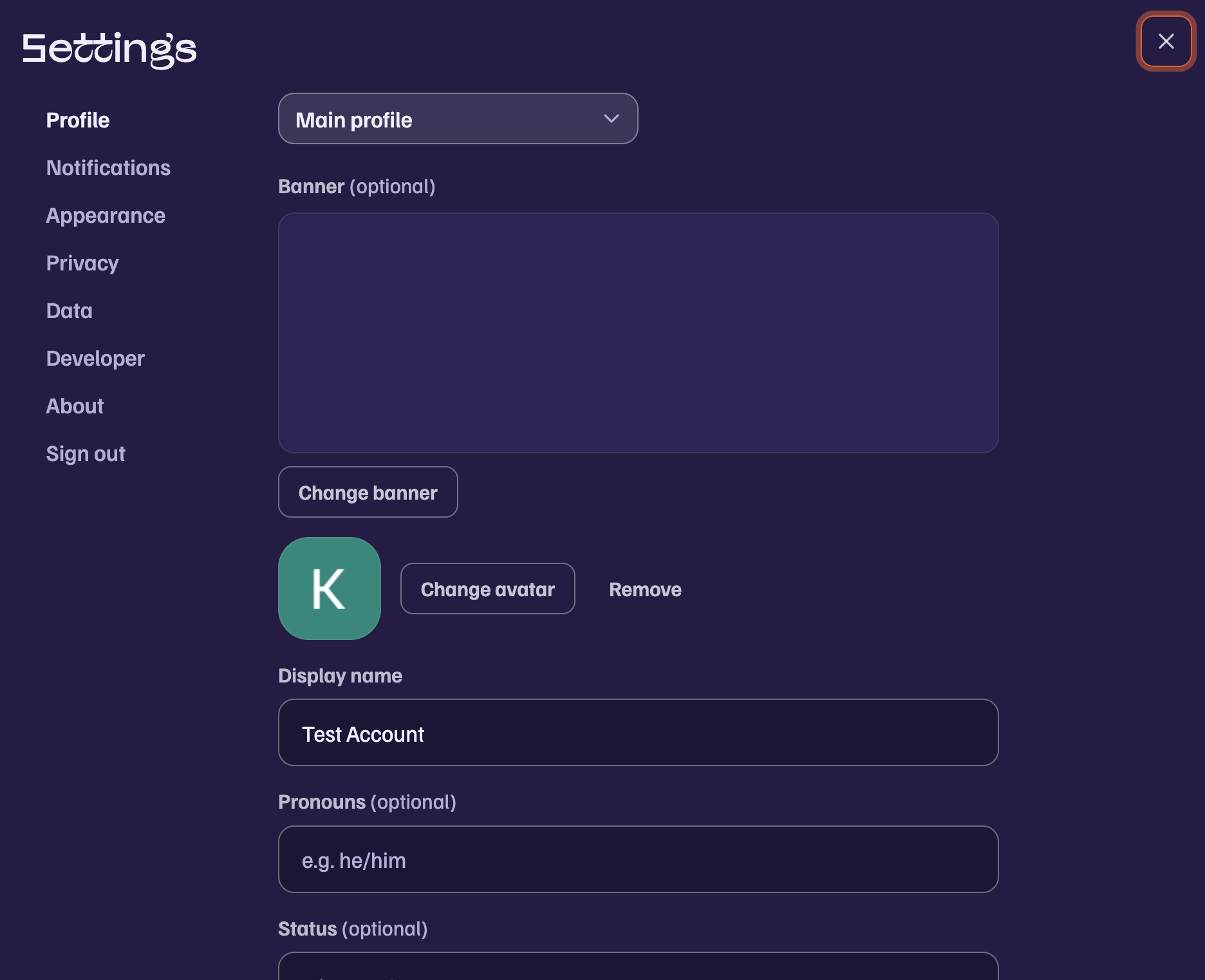
Open Settings from the gear at the bottom of the sidebar. The Account section holds your main profile: display name, pronouns, status, bio, accent color, name color, card theme, and your avatar and banner.
Avatars and banners
Upload any image and crop it in place. If you signed in with Google, your Google photo is imported automatically and stays available. Banners can be GIFs, and animation is kept.
A different profile per board
Every board can have its own version of you. Press Edit profile, then pick the board at the top of the form. Anything you set there, including nickname, avatar, banner, pronouns, status, bio, and accent, applies only in that board. Fields you leave empty fall back to your main profile.
Board admins can also set your nickname in their board.
Who can see your profile
Your profile is visible to people who share a board with you, and to people whose boards show your past messages. There is no public directory.
Was this article helpful?